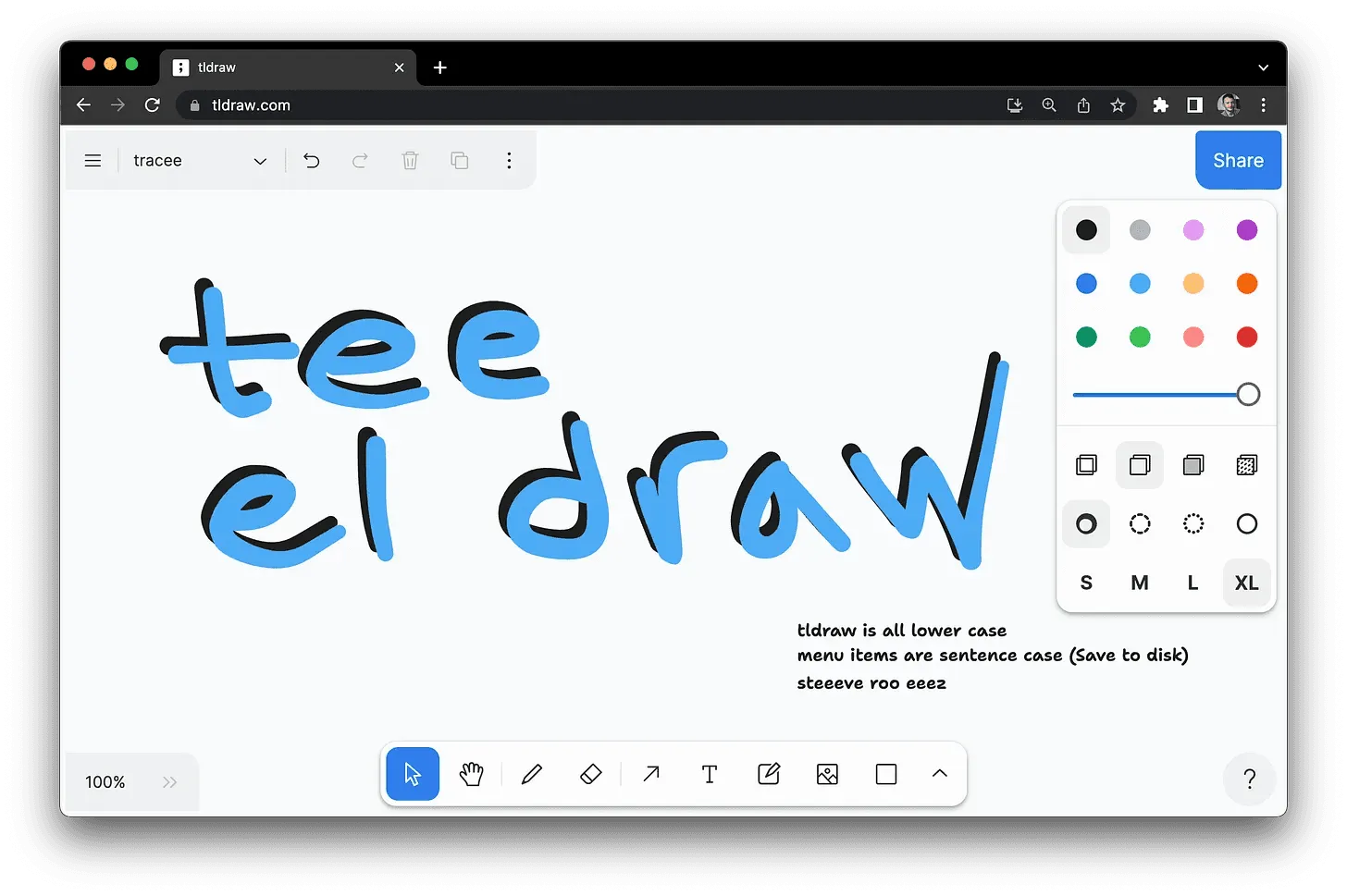
The whole app: open the tab, and you’re already drawing.
tldraw is really two things sharing a name. One is the free, no-account infinite whiteboard at tldraw.com that opens instantly in a browser tab. The other is the open-source React canvas SDK it’s built on — source-available, free in development, a paid license key for commercial production. The find surfaced the first; the second is why the first is so good.
The find’s pitch — “open a tab and draw” — is literally true, and that is the whole appeal. Load tldraw.com and you land on an infinite canvas with no sign-up, no email, no modal in the way. There’s a pen, plus shapes, arrows, sticky notes, text, and image drop-in; you pan and zoom forever, and the board persists locally in the browser between visits. When you want company, a Share link spins up a real-time multiplayer room. Export to PNG, SVG, or JSON is one menu away. It surfaced via Uses This, where Justin Garrison lists it alongside Procreate as a primary visual-thinking tool — the zero-friction framing is the point.
The reason the freehand ink and shape-handling feel this polished is worth the correction the find didn’t make: tldraw.com is a thin reference app over the tldraw SDK, a library for building infinite-canvas apps that has drawn roughly 48k GitHub stars and is embedded by the likes of Google, Shopify, Autodesk, and ClickUp. The whiteboard isn’t the product so much as the shop window for the engine.
That engine’s licensing is the part to read carefully. The hosted whiteboard is free to use, full stop. The SDK is source-available under the tldraw license — not MIT: free while you develop, but production and commercial deployments need a license key from tldraw.dev, and unlicensed builds carry a small watermark. So “open source” here means source-available with a commercial gate, not permissive. Irrelevant if you just want the whiteboard; central if you plan to build on it.
The honest limits: this is a whiteboard, not a structured-diagram tool. There’s no Mermaid-style auto-layout or data-bound charts — you place everything by hand, which is a feature for sketching and a chore for anything that wants to be generated. And local-first storage cuts both ways: clear your browser data, or open a different device, and an unsaved board is gone unless you exported or shared it first. But for the exact job the find named — technical diagrams and quick visual thinking with zero setup — it’s hard to beat. It is the shortest path from “I need to sketch this” to sketching it, with a genuinely good drawing engine doing the work underneath.