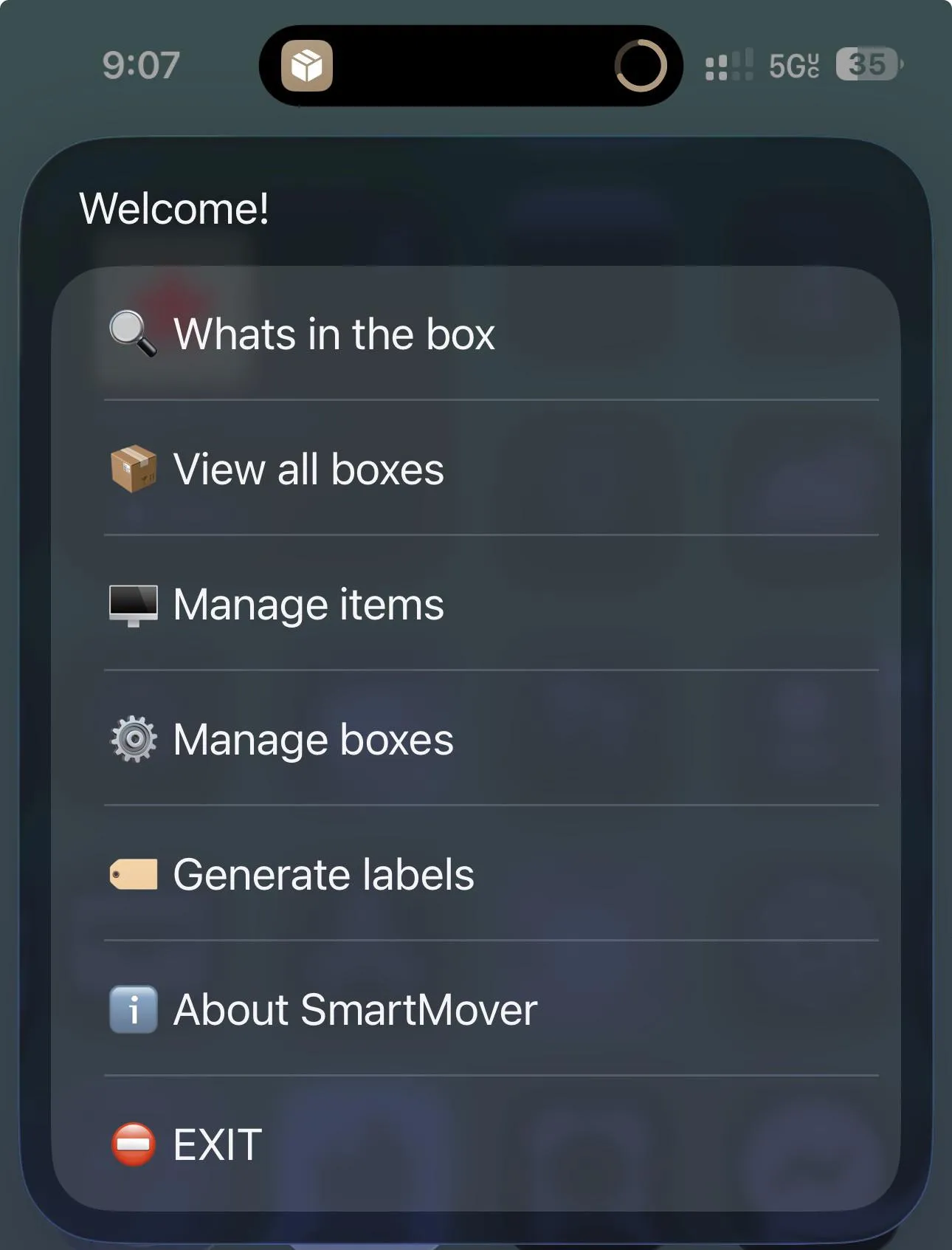
An iPhone shortcut that turns moving boxes into QR-coded inventories — print a label, list what’s in the box, scan to see the contents before you slice the tape.
Most moving-box organisation systems collapse to “kitchen??” written on the side of the box in Sharpie by the third one. SmartMover is a single Apple Shortcut that wraps a small inventory database around the iPhone’s existing QR scanner, so every box you pack gets a label any phone in the house can read back. The main menu is six actions: Whats in the box (scan-to-look-up), View all boxes, Manage items, Manage boxes, Generate labels, About. No app, no account, no server — the whole thing lives inside Shortcuts.
The trick is that the inventory data lives in the shortcut itself, in a dictionary the shortcut owns and updates on every invocation. Generate labels spits out a printable sheet of QR codes, each tied to a numeric box ID; Manage items lets you assign things you’ve packed to that ID. On move-in day, point the phone at any box and the shortcut shows the list before you reach for the box cutter. The same model works for anything you’d want to inventory by container — basement bins, attic totes, costume boxes — not just a single move.
Honest limitations: the inventory exists on the phone that set it up. If both partners need to scan, you’ll have to share the shortcut and figure out an export step (or designate one person as the scanner). RoutineHub installs sit behind the OS’s “Untrusted Shortcut” warning the first run — standard for community shortcuts, but non-zero friction. And a Shortcut UI is what the OS will let it be: a list of menus, not a designed app — adequate for two days of move chaos, no further.
Free, hosted on RoutineHub. The kind of one-week build that justifies the entire Shortcuts platform: a niche workflow no startup is ever going to ship as a real app, solved well enough for the 96 hours you actually need it.