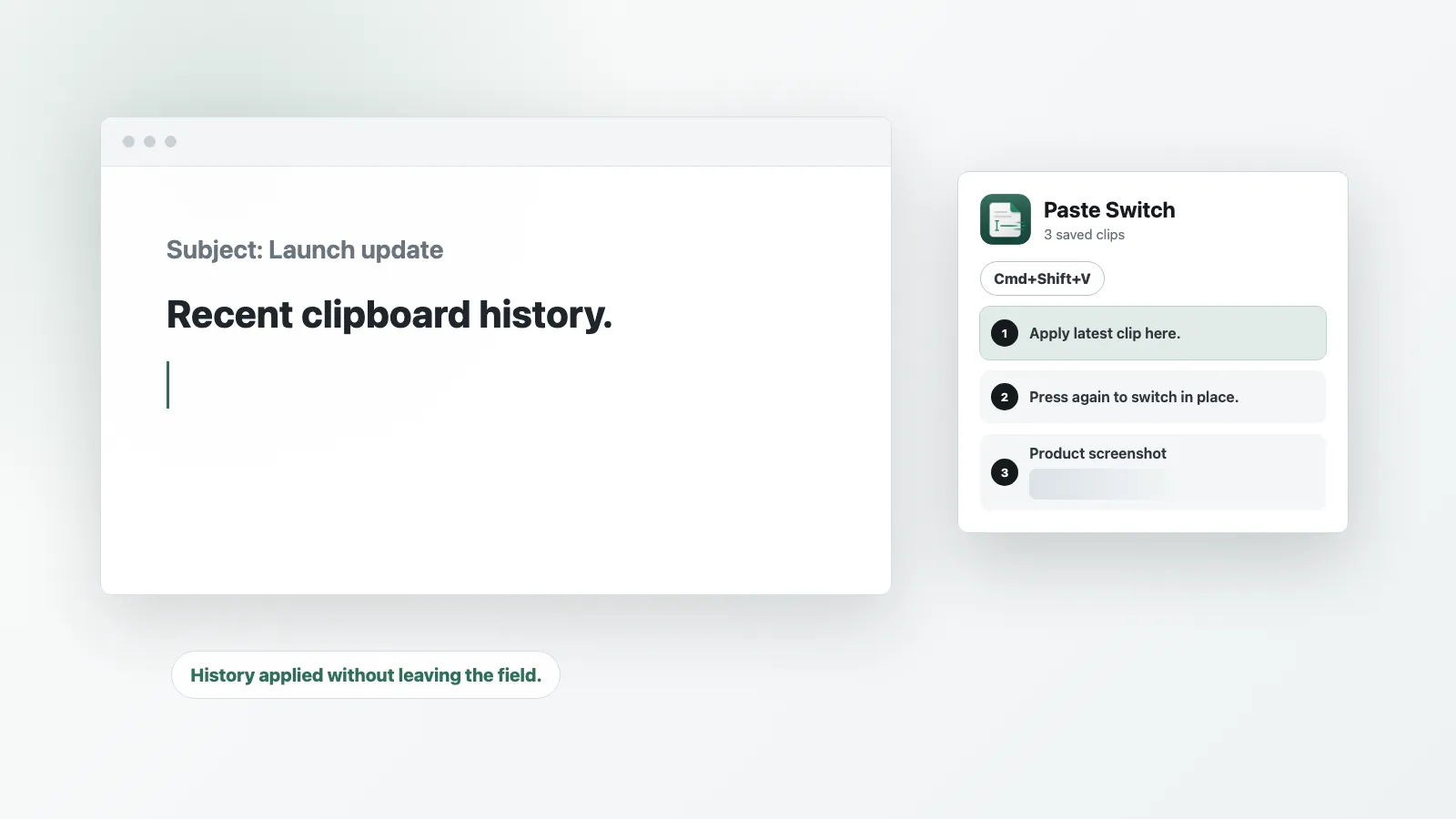
The pitch in one card: one shortcut applies the latest clip, pressing it again swaps in the next one, right where the cursor already is.
Paste Switch gives paste its own shortcut — Cmd+Shift+V — and turns a second tap of it into an Emacs-style kill-ring cycle: the clip you just pasted is swapped out in place for the previous one, again and again, without ever opening a history list.
The problem it’s solving is a specific, small one: most of the time, the clip you actually want isn’t the one you just copied, it’s the one from two or three copies ago, and it’s usually faster to remember “back a couple” than to scan a dropdown for it. Paste Switch skips the dropdown entirely. Press Cmd+Shift+V once to drop in the latest text or image clip, then press it again — and again — to walk backward through recent copies, each tap replacing what’s on the page rather than adding to it. It’s the same feel as macOS’s built-in Emacs kill-ring bindings, just extended from plain text to images and freed from the terminal.
The mechanic is more careful than “replace whatever’s there”: Paste Switch only swaps text out when it can verify the previously-pasted text is still sitting directly before the cursor, untouched. If you’ve typed or edited since the last switch, it starts a fresh paste instead of clobbering your work. Clipboard coverage is currently text and PNG/TIFF images only — Finder files, PDF, RTF, HTML, and other rich clipboard bundles aren’t read yet. History itself lives in memory and clears when the app quits, so there’s nothing written to disk to worry about, but also nothing to reach for after a restart.
One correction to the find that surfaced this: it’s not quite panel-free. Paste Switch does have a small status view showing the shortcut and recent clips — it’s just secondary, there to confirm what’s queued rather than something you’re expected to browse or click through. The actual interaction is entirely the repeated shortcut, which is the part worth the price of admission. That shortcut needs Accessibility permission to work, since it’s sending real paste and undo keystrokes into whatever app is focused — a fair trade for something this narrowly scoped.
Paste Switch is a solo release from indie developer Ahab (indieseek.co), fresh off a Product Hunt launch in early July 2026 — it’s macOS-only, direct download (no App Store), with a 30-day free trial and a $10 one-time lifetime license that includes future updates. For a one-idea utility, it earns its keep the same way good kill-ring bindings always have: by making “one clip back” a reflex instead of an errand.