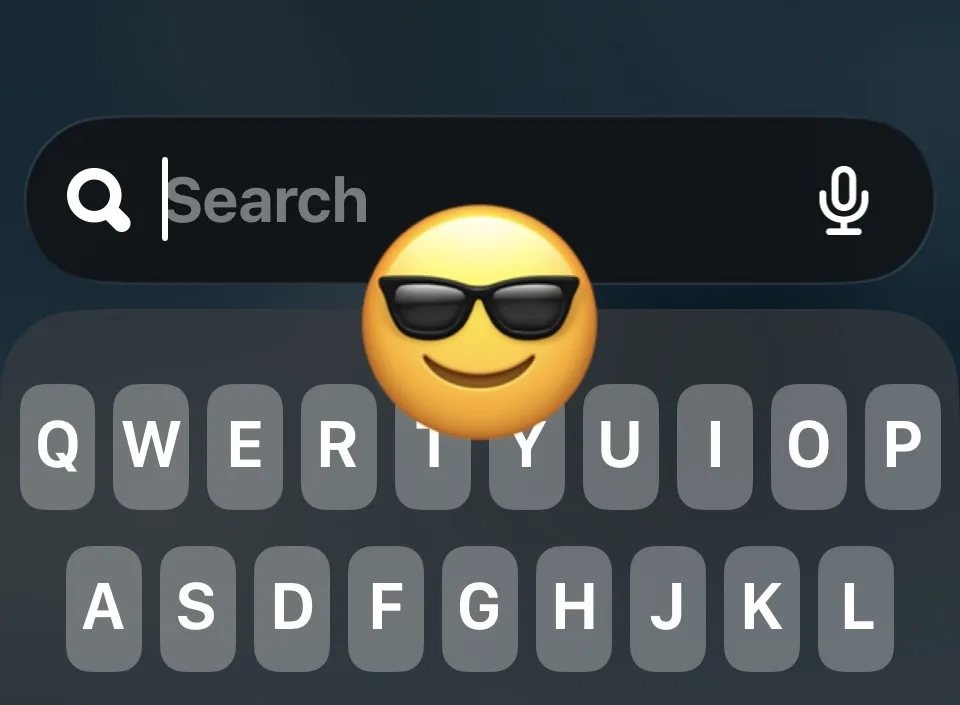
Buried in Settings → Accessibility → Display & Text Size, “Reduce Bright Effects” turns off the highlighting and flash animations that iOS 26’s Liquid Glass interface adds when you tap a button or key. Worth knowing if the new flashier feel makes your eyes tired, or if you’re sensitive to motion. Default on, easily off — and most people don’t know it exists.