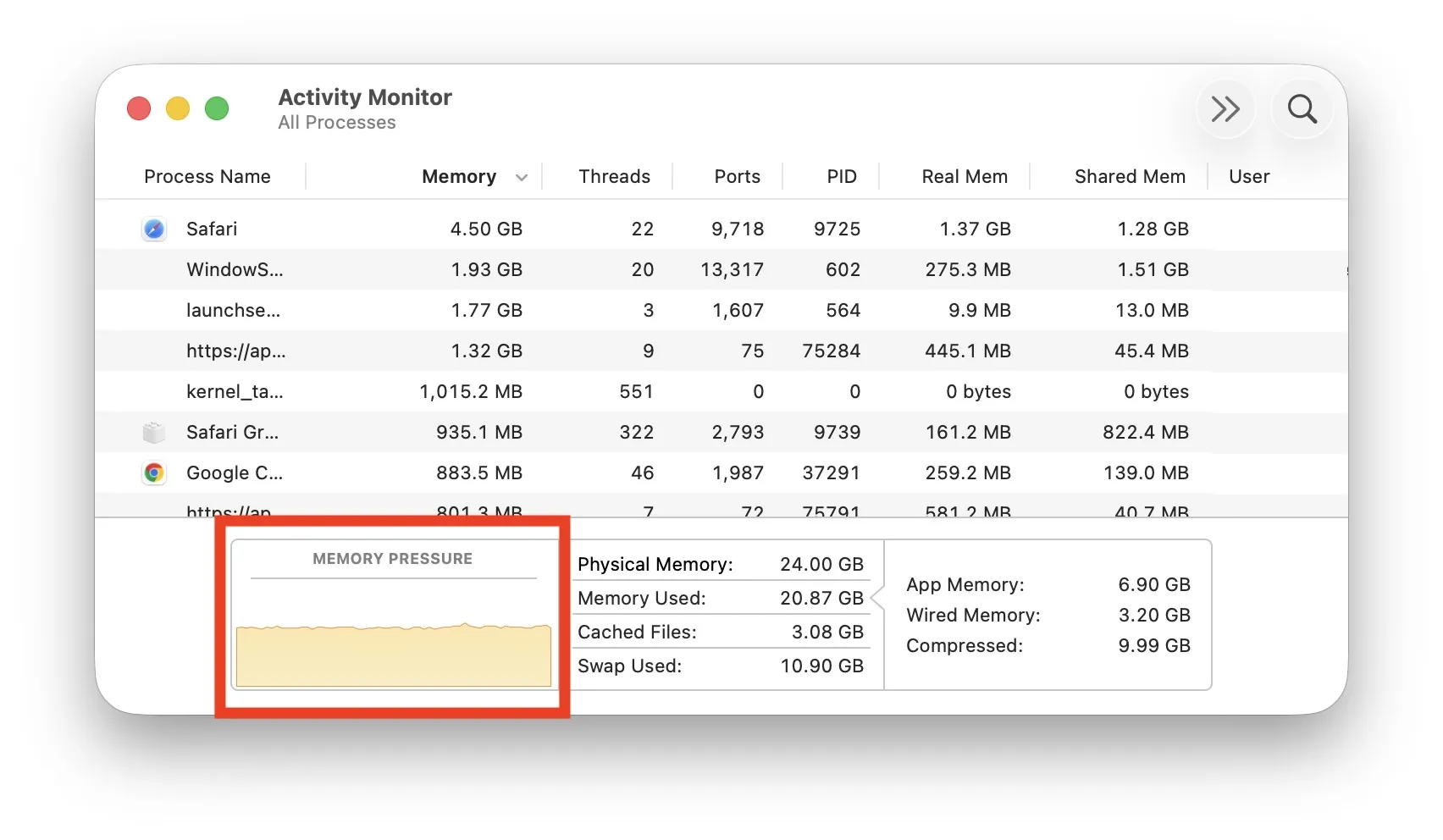
The “Memory Used” number in Activity Monitor is misleading — macOS deliberately consumes free RAM as cache, so it always looks high. The graph that actually answers “do I need more RAM?” is Memory Pressure, which is yellow when paging starts to hurt you and red when you should buy. Especially useful before pulling the trigger on a 32GB-vs-64GB decision on a unified-memory Mac.