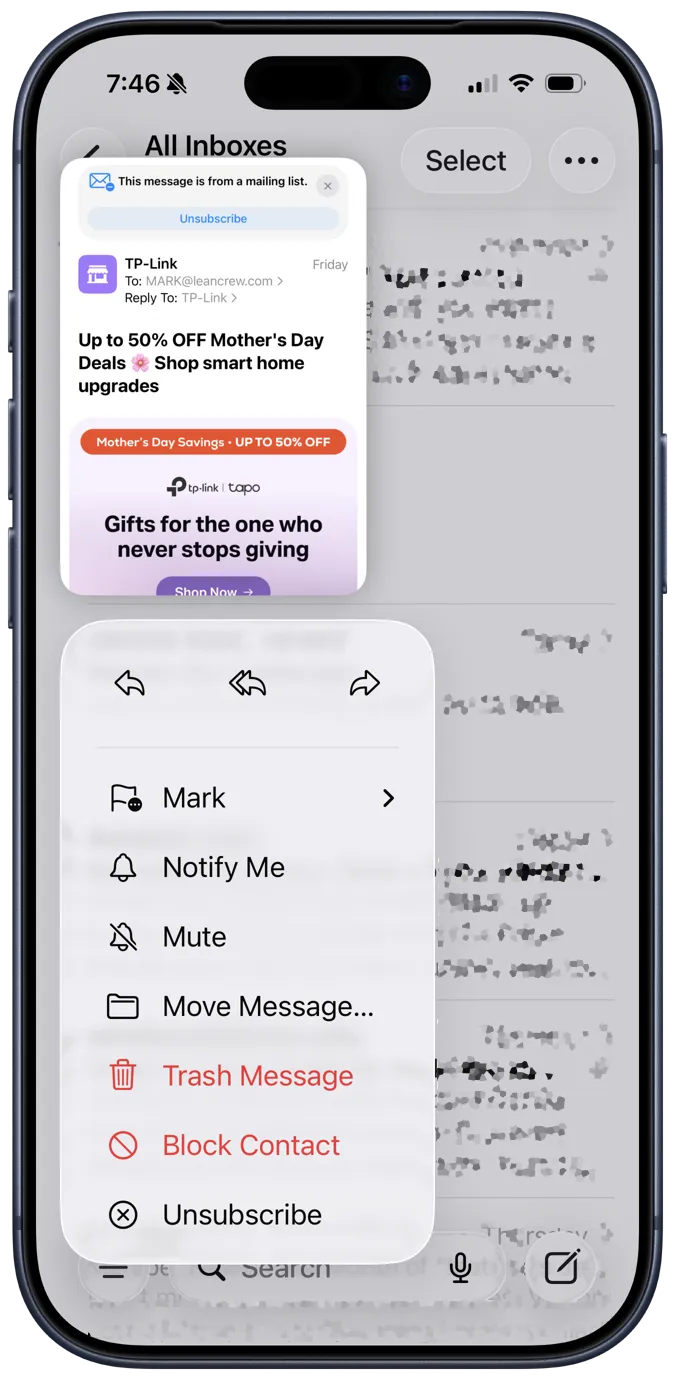
iOS Mail hides the block-sender function behind a menu item called “View Contact Card,” which makes no sense. Dr. Drang’s writeup names the two real paths: swipe-and-flag-then-block, and (better) a Shortcut bound to a back-tap gesture that takes the currently-selected message and blocks its sender in one motion. Saves the four taps Apple’s UI requires.