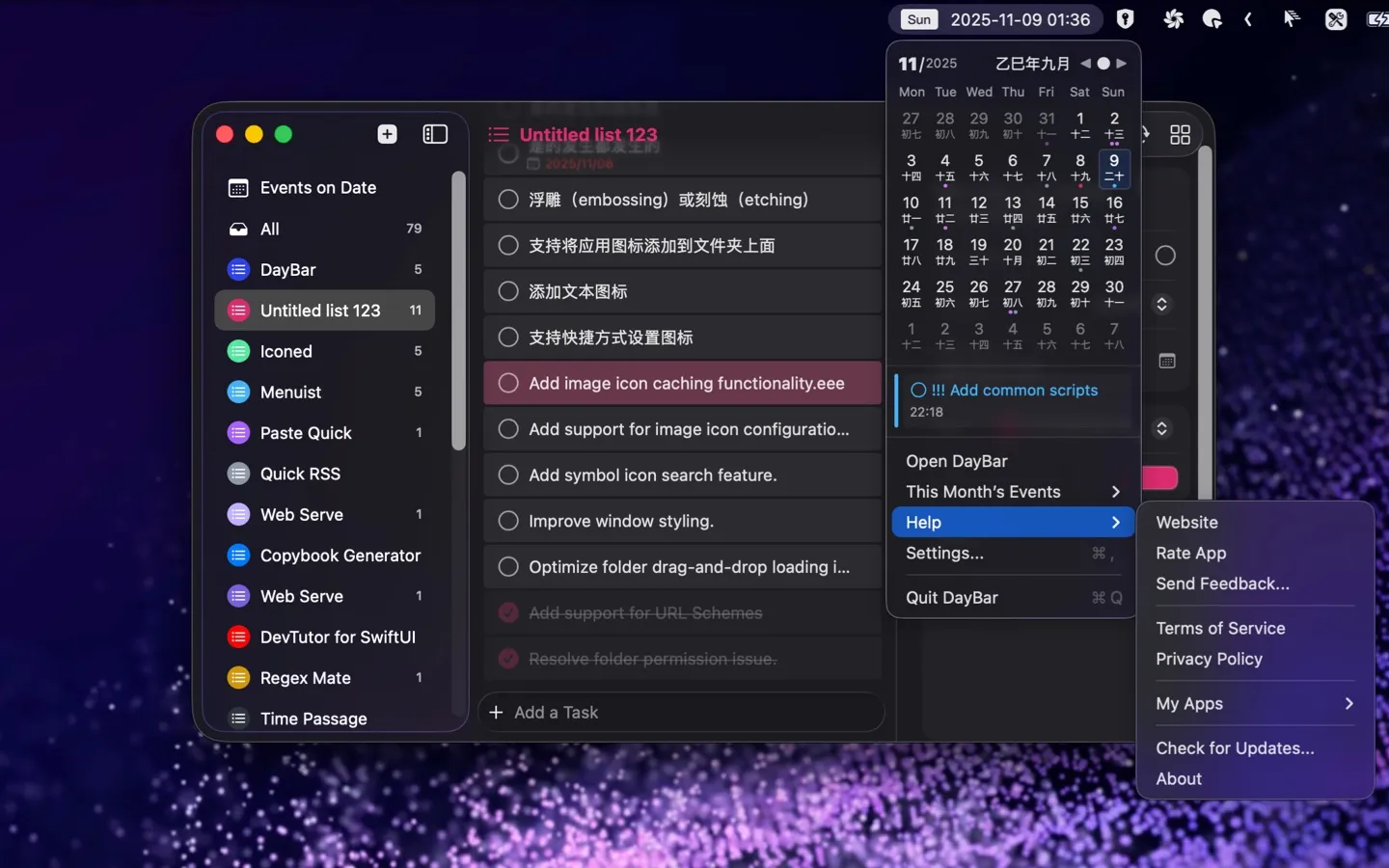
DayBar sits in the menu bar and shows both the Gregorian date and the corresponding Chinese lunar date side by side, along with the current ISO week number — a detail most menu bar calendars skip entirely. It syncs with Apple Calendar and Reminders, dots the month grid to mark days with events, and lets you check off Reminders-backed TODO items without leaving the dropdown; double-clicking a day opens it directly in Calendar. It’s free on the Mac App Store (requires macOS 14+), now at version 4.0, with source available on GitHub.